共计 2620 个字符,预计需要花费 7 分钟才能阅读完成。
先上效果图
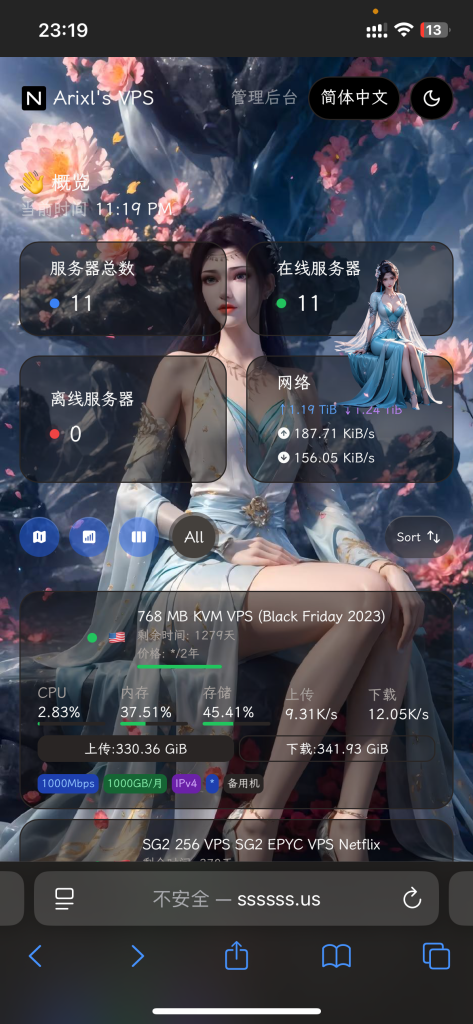
以下是具体教程:
<script>
window.CustomBackgroundImage="图片 URL"; /* 页面背景图 */
</script>

<script src="https://cdn.jsdelivr.net/gh/mocchen/cssmeihua/js/aixin.js"></script>/* 点击爱心特效 */

<script src="https://cdn.jsdelivr.net/gh/mocchen/cssmeihua/js/yinghua.js"></script>/* 页面樱花效果 */

<span class="js-cursor-container"></span>
<script src="https://fastly.jsdelivr.net/gh/stevenjoezhang/live2d-widget@latest/autoload.js"></script>
<script src="https://cdn.jsdelivr.net/gh/mocchen/cssmeihua/js/xiaoxingxing.js"></script>
/* 以上鼠标特效 */
<script>
var observer = new MutationObserver(function(mutationsList, observer) {var xpath = "/html/body/div/div/main/div[2]/section[1]/div[4]/div";
    var container = document.evaluate(xpath, document, null, XPathResult.FIRST_ORDERED_NODE_TYPE, null).singleNodeValue;

    if (container) {observer.disconnect();
        var existingImg = container.querySelector("img");
        if (existingImg) {container.removeChild(existingImg);
        }
        var imgElement = document.createElement("img");
        imgElement.src = "图片 URL";
        imgElement.style.position = "absolute";
        imgElement.style.right = "8px";
        imgElement.style.top = "-80px";
        imgElement.style.zIndex = "10";
        imgElement.style.width = "90px";
        container.appendChild(imgElement);
    }
});
var config = {childList: true, subtree: true};
observer.observe(document.body, config);
</script>
以上是换卡通小人,出处是 https://www.nodeseek.com/post-221811-1
当然也可以用哪吒官方的 https://nezhadash-docs.buycoffee.top/custom-code 不过我觉得论坛佬的更好,可以随意调整大小 
<script>
    window.CustomLogo = "图片 URL"; /* 自定义 Logo */
    window.ShowNetTransfer  = "true"; /* 卡片显示上下行流量 */
    window.DisableAnimatedMan  = "true"; /* 关掉动画人物插图 */
    window.CustomDesc ="MJJ:白嫖至上,技术先行"; /* 自定义描述 */
</script>
<style>
  .dark .bg-card {
   font-family: "Roboto", "Segoe UI", "Helvetica Neue", Helvetica, Arial, sans-serif;
    color: #ffffff; /* 白色,高对比度 */
    position: relative; /* 设置元素为相对定位 */
    background-color: rgba(0, 0, 0, 0.3); /* 设置背景颜色为半透明的黑色 */
    backdrop-filter: blur(5px); /* 应用毛玻璃效果,模糊度为 5 像素 */
    border-radius: 15px; /* 设置边框圆角为 15 像素 */
    //box-shadow: 0 6px 8px rgba(0, 0, 0, 0.1); /* 添加阴影效果 */
    //overflow: hidden;  /* 确保内容不会溢出容器 */
    }
  .dark .bg-card h1, .dark .bg-card h2, .dark .bg-card h3 {color: #ffffff; /* 保持标题的高对比度 */}
  .dark .bg-card p {color: #eeeeee; /* 段落文本稍微柔和一些 */}
</style>
以上是调整毛玻璃效果 ”//” 是不喜欢的所以注释掉  默认黑色主题,白色主题把所有 .dark .bg-card 改成 .light .bg-card
{
   "billingDataMod": {
       "startDate": "2024-11-05T00:00:00+08:00",
       "endDate": "2025-05-05T00:00:00+08:00",
       "autoRenewal": "1",
       "cycle": "半年",
       "amount": "$10.5"
   },
   "planDataMod": {
       "bandwidth": "1000Mbps",
       "trafficVol": "500GB/ 月",
       "trafficType": "1",
       "IPv4": "1",
       "IPv6": "0",
       "networkRoute": "电信 163, 移动 CMI, 联通 4837",
       "extra": "传家宝"
   }
}
以上是关于一些公开备注
官方 1.2.7 版本新增手机版背景图自定义
<script>
 window.CustomMobileBackgroundImage="https://img.028029.xyz/1734591983003.png";
</script>
手机端背景 url:https://img.028029.xyz/1734591983003.png

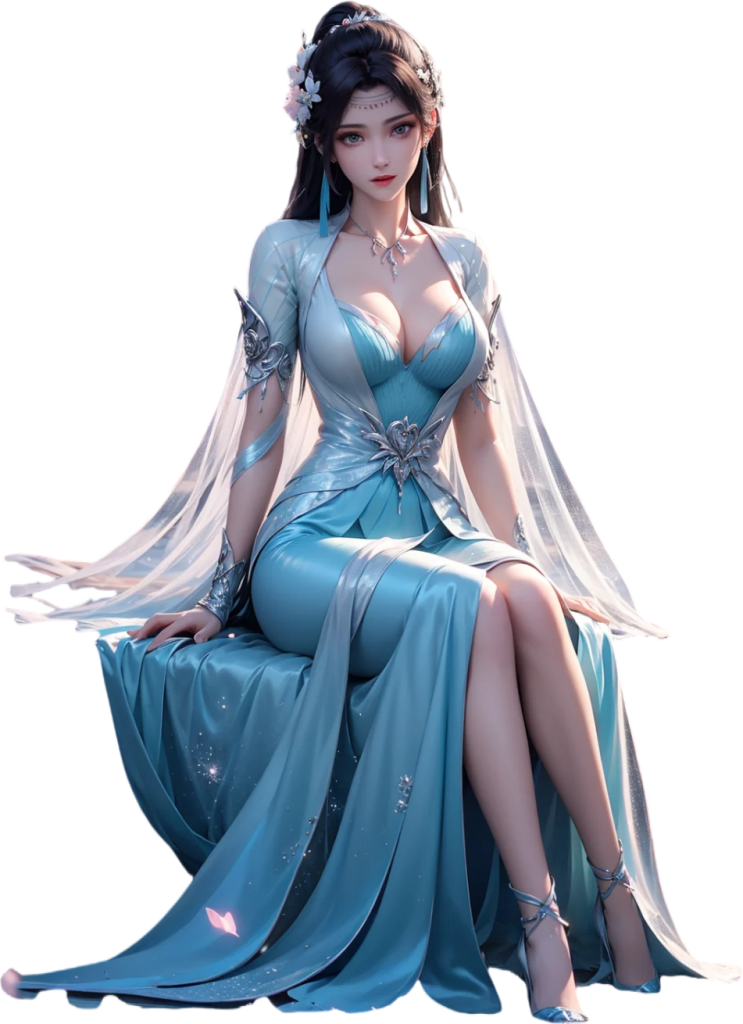
手机端人物卡片 url:https://img.028029.xyz/1734498853435.png
正文完
